For humans and coding agents
Pick up where
you left off.
Keep your project’s docs, tasks, and decisions together in Git, so your coding agent can pick up where you left off.
Install with Homebrew.
brew install gitdocket/tap/gitdocketYour project at a glance
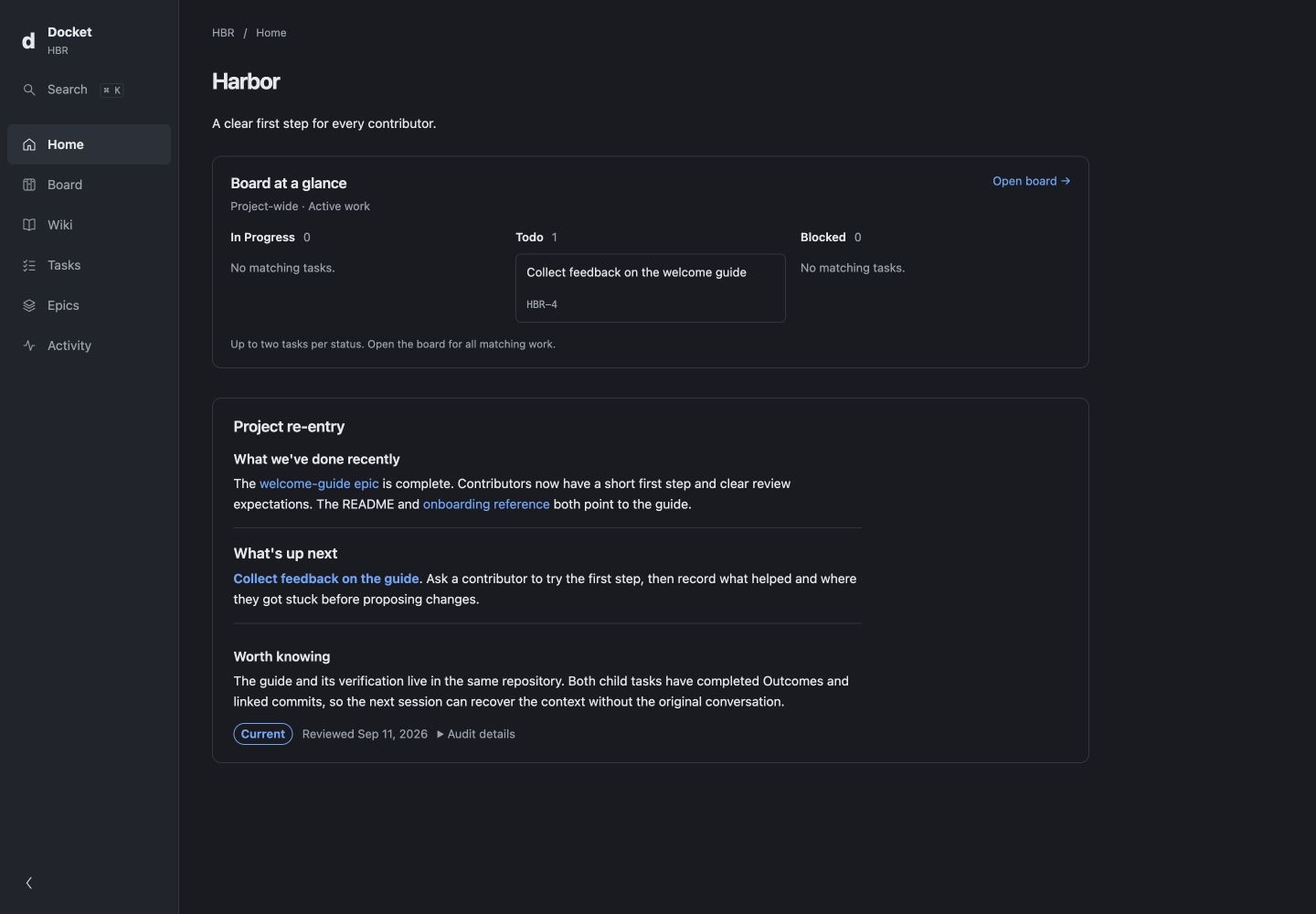
The project, in context.
See what changed, what matters, and what’s ready next. The interface reads the same files your agent works with.
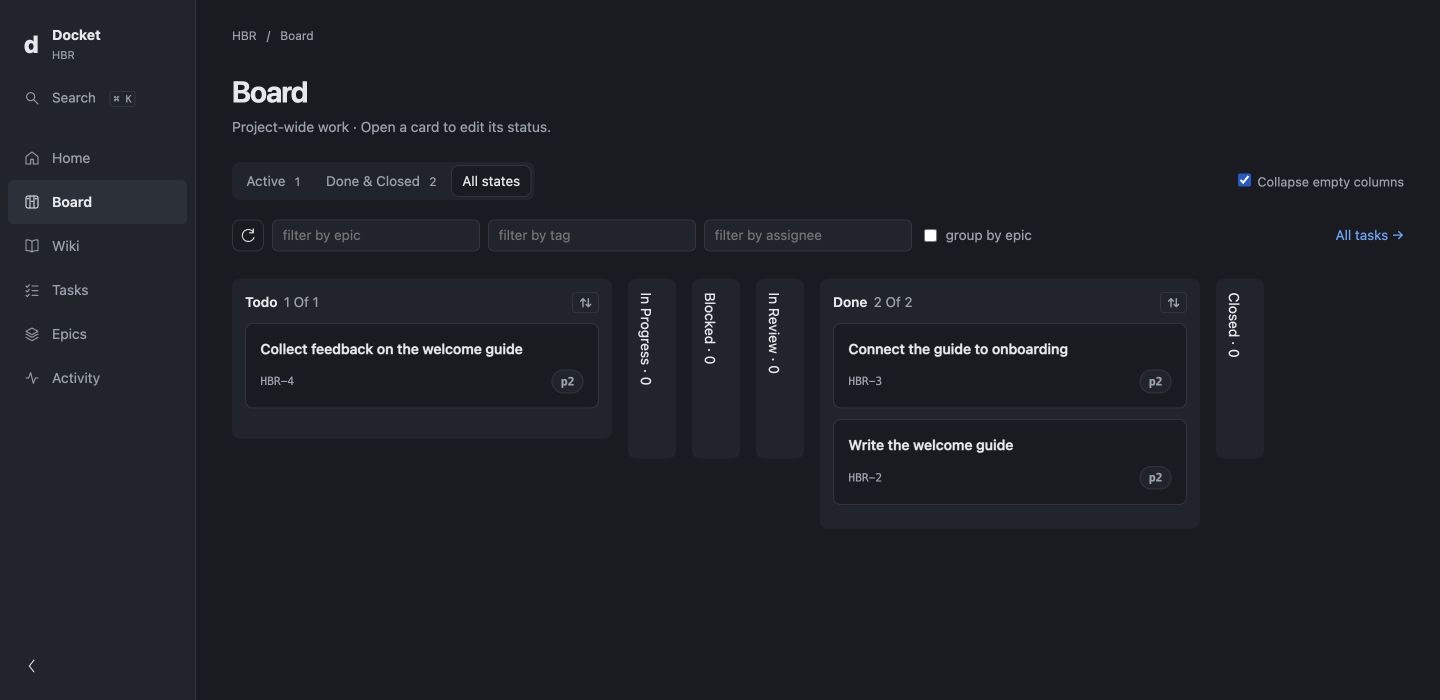
Explore the Board view
A repeatable loop
Finish the work. Keep the knowledge.
“Track and complete one small contributor-guide change.”
- 01
Read & choose
Read the project docs and choose one useful change. A task records the intended result and checks.
- 02
Build & verify
Make the change and check it against the task’s acceptance criteria.
- 03
Record & reuse
Update affected docs and record the checks. In the next session, use that knowledge to guide another change.
For example, your agent adds a contributor guide and records why its links should work offline. When you ask for a troubleshooting guide in the next session, that decision is there to guide the work.
See one task help the next sessionWorkflow extensions
Make your process part of the project.
Give your coding agent your team’s steps for planning, building, and reviewing a change. Save the templates and checks in your repository so you can reuse them next time.
- Request
- Reviewed proposal
- Checked change
- Recorded decision
- Next change
For example, a workflow can guide an agent with an existing Notion connection to read a list, cite its sources, and propose project work for your review.
See a connected-tool workflowSee the Beacon example, or start with one task and add a workflow later.
An open foundation
Your knowledge stays yours.
Run Docket locally with your own coding agent. Read and edit your docs, tasks, and decisions as Markdown in your editor, and track their history in Git. Start with one task; add epics or specs when they help organize the work.
Docket builds on Open Knowledge Format v0.1, introduced by Google Cloud, and adds task dependencies and editable agent workflows. Your files stay in your repository.
Start with one task